
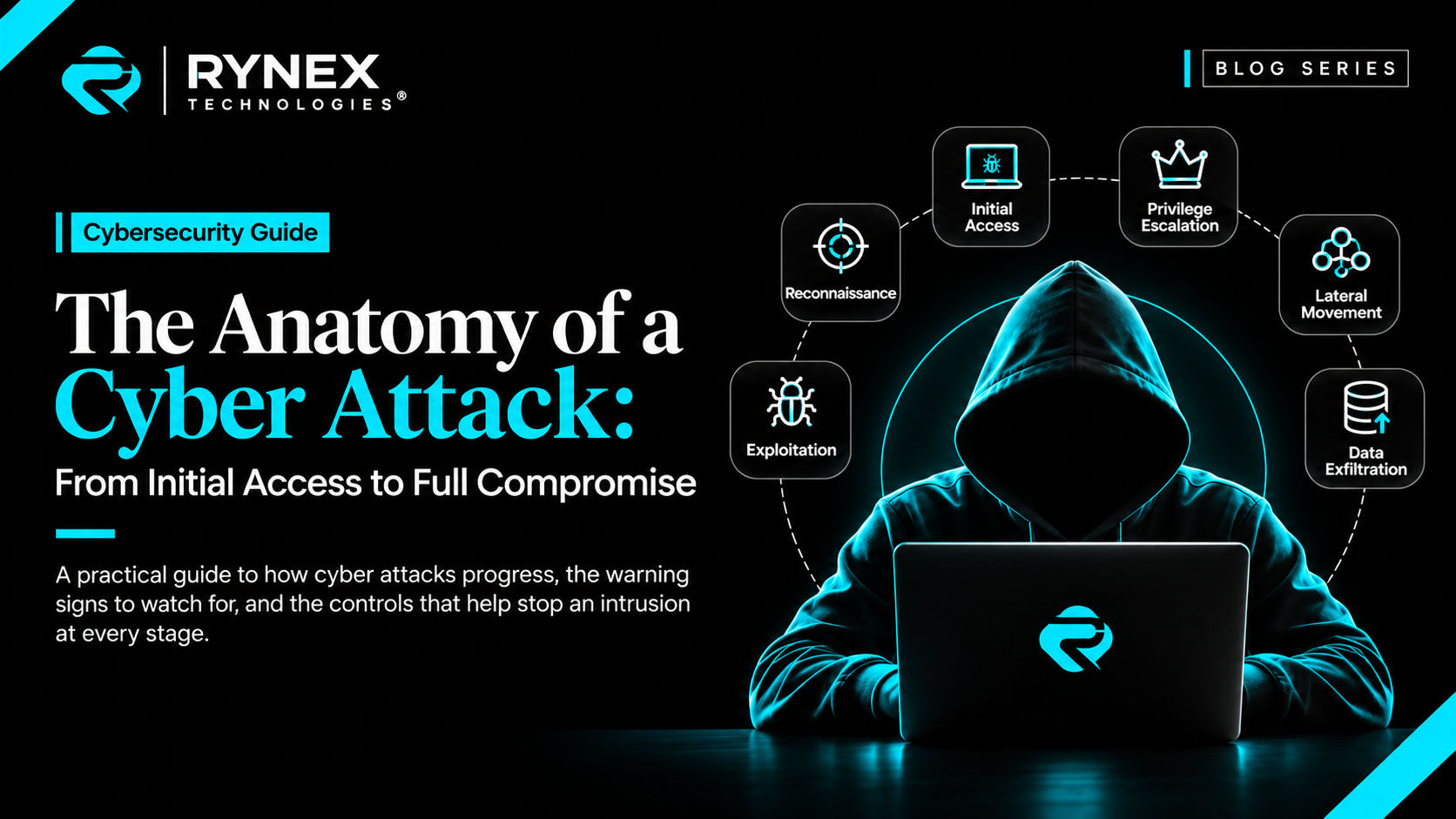
The Anatomy of a Cyber Attack: From Initial Access to Full Compromise
A cyber attack rarely starts with a dramatic failure. It may begin with a convincing email, a reused password, an exposed remote-access portal, or a missed security update. What seems like a small foothold can become access to sensitive data, systems, and operations.
Understanding attack stages helps organizations recognize early signals, prioritize controls, and coordinate a response. The sequence is not fixed: attackers may skip or repeat stages. But many intrusions move from initial access toward broader control and business impact.
The stages in this article are a practical way to discuss an intrusion, not a prediction that every incident will follow the same order. A criminal group seeking a quick payment may behave differently from a patient espionage actor, and a compromised supplier may give an attacker a different starting point than a stolen employee password. The useful question for a defender is not “Which stage are we on?” alone, but “What access could this activity provide, what could it reach next, and what evidence would confirm or rule that out?”
Why attackers move in stages
Most organizations have several layers of protection, so an attacker often has to solve more than one problem. A successful phishing attempt may yield an account but not access to production systems. A vulnerable public service may provide a foothold but not administrator permissions. Each additional step creates friction and the possibility of detection. Thinking in stages helps defenders build overlapping controls: prevention reduces the chance of entry, detection identifies suspicious behavior, and response limits what happens after a control fails.
This model also encourages teams to look beyond a single alert. A sign-in anomaly, an unexpected system change, and unusual access to files may each be ambiguous in isolation. Taken together, they may indicate a developing incident. Attack frameworks such as MITRE ATT&CK use named tactics and techniques to help teams describe this behavior consistently; they are reference tools, not a checklist that every incident must satisfy.
1. Preparation and target selection
Before attempting access, an attacker may study public systems, employees, suppliers, technology, and business processes. Websites, job postings, social media, and exposed services can reveal potential entry points or details for targeted deception.
Reconnaissance alone does not prove compromise. Maintain an inventory of internet-facing assets, assign owners, remove obsolete services, and review public exposure. The goal is not to hide the business, but to avoid forgotten systems and disclosures that make compromise easier.
An accurate asset inventory should include more than the main corporate website. It may cover cloud accounts, remote-access services, development and test environments, acquired companies, supplier-managed systems, and services hosted by a third party. Forgotten assets are hard to patch and monitor because nobody is sure who owns them. Regular reviews of DNS records, cloud inventories, software ownership, and vendor access help close this gap.
The same discipline applies internally. Know which systems contain sensitive data, which business processes depend on them, and which accounts can administer them. This information becomes especially valuable during an incident, when responders must decide what to isolate first and how to keep essential work running.
2. Initial access: gaining a foothold
Initial access is the point at which an attacker first gains a way into an organization’s environment. Common routes include:
- Phishing and social engineering: An employee is persuaded to open a harmful attachment, visit a deceptive website, approve an unexpected sign-in, or share credentials.
- Stolen or reused credentials: Passwords exposed in unrelated breaches are tried against business accounts, especially where multi-factor authentication (MFA) is missing or inconsistently applied.
- Exposed or vulnerable services: An internet-accessible application, remote-access gateway, or server is misconfigured, outdated, or otherwise vulnerable.
- Third-party access: A supplier, contractor, or service provider with legitimate access becomes a path into a customer’s environment.
- Compromised software: A trusted application, update, or dependency is altered or abused to deliver unauthorized access.
These routes differ, but they often exploit a gap between a policy and its real-world enforcement. MFA may be enabled for most employees but absent from a legacy portal. A supplier account may be protected but never reviewed after a contract ends. A critical update may be available while an internet-facing system remains unpatched. Mapping controls to actual assets and user journeys helps reveal these gaps.
An unusual login or suspicious email does not by itself mean full compromise, but it is an early signal. Phishing-resistant MFA, secure remote access, prompt patching, supplier controls, and easy reporting can stop attempts here. Monitor identity with device, location, risk, and resource context; a successful sign-in alone does not prove legitimacy.
Note: MFA reduces risk, but account recovery, session security, and legacy sign-in paths need protection too.
Email defenses should be paired with a culture in which employees can report a mistake quickly and without fear of blame. A person who reports clicking a suspicious link within minutes gives the security team a better chance to revoke sessions, inspect the device, and protect other accounts. For suppliers, use named accounts rather than shared credentials, limit access to the systems required for the service, set an expiry or review date, and know how access can be suspended.
3. Execution: turning access into activity
After gaining a foothold, an attacker may abuse an application, exploit vulnerable software, or persuade a user to run a file. Defenders should ask whether a device or account is behaving as expected. An office workstation performing unusual administrative tasks, contacting many internal systems, or launching unfamiliar tools may warrant investigation.
Endpoint detection and response (EDR), application controls, restricted scripting permissions, and current operating systems can help block suspicious activity. Establish baselines, retain logs centrally, and ensure alerts reach people who can investigate them; unreviewed alerts offer little protection.
The right baseline depends on the system. A software build server may legitimately compile code and connect to a package repository; a payroll workstation usually should not. A cloud automation account may create resources, but its activity should be limited to a defined project and deployment window. Document these expected roles so that monitoring can focus on meaningful deviations rather than treating every unusual process as equally urgent.
When a control blocks suspicious execution, preserve enough event data to determine what happened and whether another system was involved. A prevention alert is reassuring, but it does not automatically prove that the activity was contained. Confirm whether a file was opened, a process started, credentials were used, or related activity occurred elsewhere.
4. Persistence: maintaining access
An attacker expecting to lose access may create another way back in, such as unauthorized account changes, altered settings, remote-access software, or modified cloud configurations.
Deleting one file or changing one password may not resolve the incident. Responders should identify how access was established and check for related changes across systems, accounts, and cloud services. Centralized logs, configuration monitoring, and reviews of dormant accounts, recovery options, and newly registered devices can reveal overlooked persistence.
Persistence can be easy to miss when legitimate administrators make frequent changes. Organizations should keep an auditable record of approved changes, including who requested and authorized them. Compare suspicious changes with change-management records, but do not assume that a change is safe merely because it was made using an administrator account. That account itself may have been compromised.
Note: Removing a suspicious file is not enough; verify that the attacker no longer has a valid account, session, or recovery path.
Cloud environments deserve particular attention because access can be maintained through identity settings, application permissions, API credentials, or changes to logging. A response should review the relevant identity and cloud audit records, remove unauthorized access paths, and then verify the environment rather than relying only on the apparent removal of a known malicious tool.
5. Credential access and privilege escalation
A compromised account may have limited permissions, so an attacker may seek stronger privileges or additional credentials. Excessive access, shared administrator accounts, and poorly protected service credentials make this easier.
Apply least privilege: give each person, application, and service only the access it needs. Separate administrator accounts from everyday accounts, review permissions regularly, and use managed credentials where possible. MFA should protect administrators and sensitive actions, while recovery flows, service accounts, emergency access, and long-lived sessions also need safeguards. Ensure sessions and credentials can be revoked quickly.
Service identities can be overlooked because they are not tied to a person who logs in each day. Yet applications and automated jobs may have broad access and credentials that remain valid for long periods. Assign an owner to every service identity, restrict its permissions, rotate or manage its credentials according to policy, and alert on unexpected use. Remove identities associated with retired applications and projects.
Privilege reviews should be based on business need, not merely on whether an account has used a permission recently. At the same time, emergency access must remain available to authorized staff during an outage. Store emergency credentials securely, limit who can use them, log their use, and test the recovery process. Clear rules help reduce both attacker opportunity and operational confusion.
6. Discovery and lateral movement
An attacker may map important servers, data stores, backups, cloud resources, and accounts, then use available access to move between systems. This is known as lateral movement.
Because attackers may use legitimate accounts and tools, context matters. Investigate accounts accessing unfamiliar systems, endpoints making unusual internal connections, or administrators signing in at unexpected times. Network segmentation, restricted administrative pathways, unique credentials, and correlated identity, endpoint, and network monitoring limit movement and improve detection.
Segmentation should reflect how the business operates. User devices, administrative workstations, production services, backup infrastructure, and development environments rarely need unrestricted access to one another. Separating them means that a compromise in one area is less likely to immediately expose everything else. Review the rules periodically; temporary exceptions can become permanent paths if nobody owns their removal.
Access patterns provide useful context. If a finance account begins accessing engineering systems, or a service account starts connecting from an unfamiliar host, investigate the change and verify it with the system owner. A good investigation checks both the account and the device: legitimate credentials used from a compromised endpoint are still a serious risk.
7. Command and control
Some intrusions use communication between compromised devices and attacker-controlled infrastructure. Others rely on legitimate cloud platforms or built-in management tools, blending into business traffic.
Endpoint telemetry, DNS and network monitoring, limits on outbound connections, and alerts for unusual remote-management activity improve visibility. Define which systems should communicate and correlate network evidence with account and endpoint activity to separate threats from routine operations.
There is no single network indicator that reliably identifies every intrusion. Infrastructure can change, and suspicious activity may be hidden among ordinary encrypted connections. Teams should combine multiple sources: endpoint events, DNS history, proxy or firewall records, identity logs, and cloud audit trails. Keep the data long enough to investigate incidents that are discovered days or weeks after the first alert.
Remote-management software is useful for support and administration, so simply banning it may not be practical. Instead, maintain an approved-software list, require strong authentication, restrict who can deploy tools, and monitor where and when they are used. An unexpected tool on a server or an unusual session from an account that normally has no administrative role deserves a closer look.
8. Collection, exfiltration, and impact
The objective may be data theft, financial fraud, service disruption, or ransomware. Some attacks steal data before encrypting systems or threatening to publish it; others prioritize quiet access or disruption.
Know what data is held, where it resides, who can access it, and which services depend on it. Classification, access controls, and monitoring for unusual downloads or exports can limit exposure. Protect backups from ordinary administrative access, isolate them where appropriate, and test actual restoration. Define critical services and recovery priorities before an emergency.
The impact is not limited to the cost of replacing equipment. A security incident can interrupt customer service, delay payroll, affect clinical or industrial operations, trigger contractual obligations, and consume leadership time. Data exposure can create legal, regulatory, and reputational consequences even when systems remain available. Business leaders should therefore participate in decisions about which services are most critical and what level of disruption is tolerable.
Backups are only one part of recovery. Organizations also need clean installation sources, documented system dependencies, access to recovery credentials, and people who know how to rebuild essential services. Test representative restores and record how long they take. If the backup environment shares the same administrator accounts and network access as production, an attacker who compromises those accounts may be able to affect both.
Note: A backup is proven only when the organization can restore from it—within the time its business can tolerate.
What “full compromise” can mean in practice
The phrase full compromise can sound like a single, absolute condition, but it is more useful to describe what the attacker can actually do. In one incident, a compromised mailbox may expose a limited set of conversations. In another, an attacker may control a privileged identity that can reach company-wide systems. A third incident may involve a supplier account that can access one business application but not the wider network.
Impact depends on the scope of access, the sensitivity of the information, the systems that trust the affected identity, and the organization’s ability to detect and contain the activity. A useful incident assessment asks:
- Which people, devices, applications, and cloud accounts are affected?
- What data or business functions could those identities access?
- Is there evidence that information was viewed, copied, altered, or deleted?
- Could the attacker still authenticate or return through another access path?
- Which services can continue operating safely, and which need to be isolated?
Answering these questions is more valuable than using a dramatic label too early. Accurate scope helps leaders make proportionate decisions, supports required notifications, and gives technical teams a clear recovery target.
Interrupting the attack chain
An intrusion is a chain of opportunities: gain access, increase reach, find valuable resources, and achieve an objective. Breaking any link can stop the attack or reduce its impact.
| Attack stage | Defensive priority |
|---|---|
| Initial access | Phishing-resistant MFA, secure remote access, patching, and supplier-access controls |
| Execution and persistence | EDR, application controls, centralized logs, and configuration monitoring |
| Credentials and privileges | Least privilege, separate administrator accounts, and regular access reviews |
| Discovery and movement | Network segmentation, identity monitoring, and restricted administrative pathways |
| Data theft or disruption | Data access controls, tested isolated backups, and a practiced response plan |
The table is a starting point, not a universal design. A small company may rely on a managed service provider for monitoring, while a larger organization may operate its own security operations center. A cloud-first business may prioritize identity and configuration monitoring; a manufacturer may also need to protect operational technology and safety-related systems. Controls should match the organization’s assets, risks, regulatory obligations, and ability to operate them consistently.
These controls work together. MFA can block a stolen password, monitoring can flag a suspicious successful login, segmentation can limit what the account reaches, and tested backups can support recovery if prevention fails.
Why early detection matters
The difference between a blocked attempt and a major incident can be how quickly unusual activity is recognized. A delayed response gives an attacker more time to explore systems, misuse valid access, and reach sensitive data or backups. A prompt investigation can limit the number of affected accounts and preserve clean recovery options.
Detection depends on preparation: retain logs, synchronize system clocks, assign people to review high-priority alerts, and define escalation paths outside business hours. Exercises should test practical questions: Which account was used? What did it access? What changed? Which systems are safe to operate? Clear answers turn security telemetry into action. Measure monitoring coverage across important systems and identities, not just the number of tools deployed.
Useful detection is not the same as collecting every possible log. Start with the systems that matter most: identity providers, email, endpoints, cloud control planes, remote access, and critical applications. Confirm that logs are enabled, protected from tampering, searchable, and accessible during an incident. Document retention periods and test that an investigator can retrieve the information without relying on an unavailable administrator account.
Prioritize alerts by possible impact and confidence. A single unfamiliar login may need a routine check; the same login followed by a change to administrator access and unusual data downloads requires urgent attention. Define who can escalate, who can authorize containment, and who communicates with business leaders. Clear responsibilities reduce delay when the situation is uncertain and time-sensitive.
What to do when a compromise is suspected
If you suspect an active incident, follow your response plan and involve the security team or a qualified incident-response provider. Avoid broad, uncoordinated changes that could disrupt operations or destroy evidence. Priorities may include:
- Validate and scope: Identify affected accounts, devices, services, and the earliest known suspicious activity.
- Contain carefully: Limit unauthorized access while considering business continuity and evidence preservation.
- Protect identities: Secure compromised accounts, revoke sessions where appropriate, and review privileged access.
- Preserve evidence: Retain relevant endpoint, identity, email, cloud, and network logs.
- Eradicate and recover: Remove unauthorized access, address the weakness that enabled it, and restore from verified clean sources.
- Communicate and learn: Coordinate internal, legal, regulatory, and customer communications as required, then improve controls based on what happened.
Disconnecting devices or resetting credentials may be appropriate, but the right action depends on the incident. Coordinate containment with the response team and record what changed and when.
The order and urgency of these actions depend on the threat. If an attacker is actively disrupting a critical service, containment may take priority. If there is no immediate danger, responders may first preserve volatile evidence or determine the scope. Follow applicable legal, regulatory, contractual, and insurance requirements, and keep a timeline of key decisions. Do not promise that data was not accessed unless the investigation supports that conclusion.
Communication is part of incident response. Employees need clear instructions about reporting unusual messages and using unaffected channels. Executives need concise updates about business impact, options, and decisions required. Customers and partners should receive accurate, approved information when notification is appropriate. A prepared contact list and draft communication process can reduce confusion during a stressful event.
Build resilience before an incident
No single product prevents every attack. Resilience combines strong identity controls, timely vulnerability management, endpoint and cloud monitoring, segmentation, reliable backups, and people who know how to report suspicious activity. Test these measures together through exercises, recovery drills, and authorized security assessments.
Start with a realistic view of risk. Identify critical services, likely attack paths, important suppliers, and the systems that would be hardest to restore. Set priorities based on business impact rather than on the number of alerts or vulnerabilities reported by a tool. Assign an owner and a measurable deadline to each high-priority improvement.
Training is most effective when it supports the work people actually do. Give employees a simple reporting route and explain what happens after they report a suspicious event. Train administrators and help-desk staff on identity verification and escalation. Practice realistic scenarios with technical teams and business leaders so that everyone understands their role before a real incident occurs.
The most useful question is not whether an organization can guarantee that attackers will never get in. It is whether the organization can detect unusual activity early, prevent a small foothold from becoming broad access, and recover without losing control of critical operations.
A cyber attack may unfold in stages, but defenders have opportunities to interrupt it at every stage.